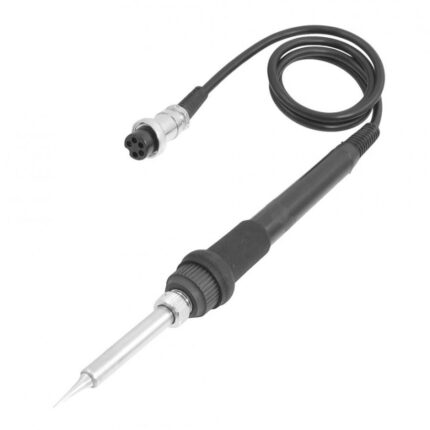
936H Digital Soldering Iron 60W 220V with LCD Display
Original price was: 500.00 EGP.435.00 EGPCurrent price is: 435.00 EGP.
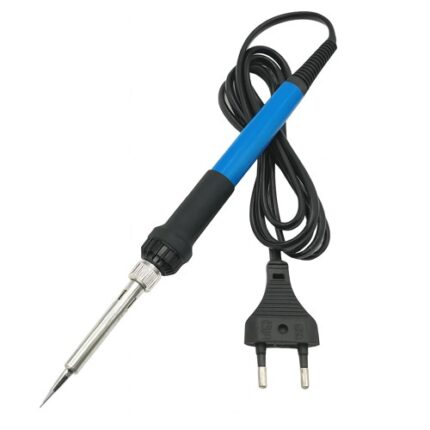
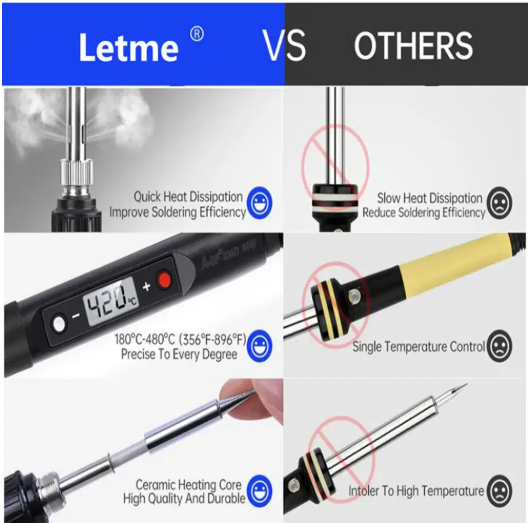
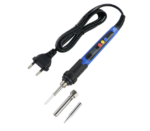
The 936H Digital Soldering Iron 60W features an LCD screen and adjustable temperature control from 180°C to 480°C. It operates directly from 220V AC and uses commonly available 900M-series tips, making it suitable for PCB assembly, electronics repair, soldering wires, and DIY projects.
936H Digital Soldering Iron 60W
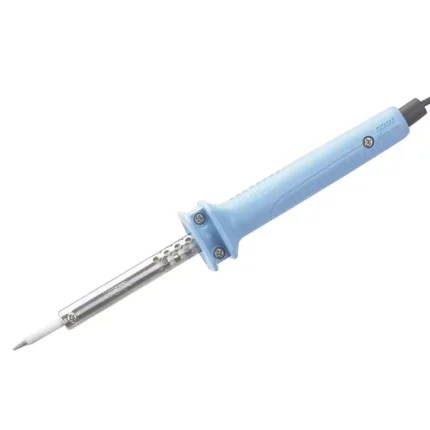
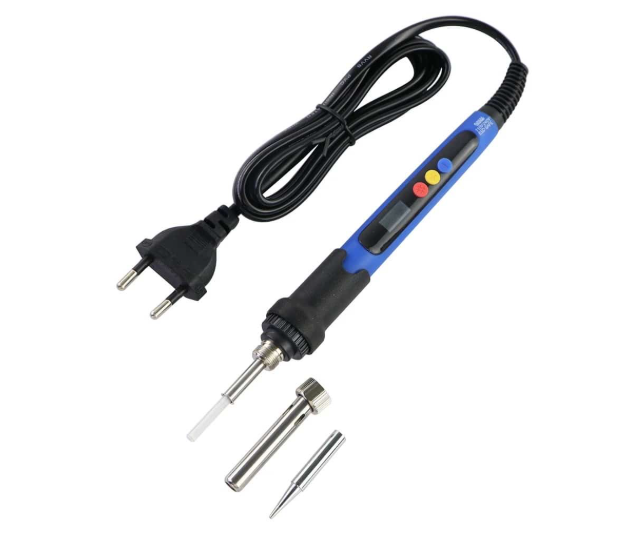
The 936H Digital Soldering Iron 60W is a compact, adjustable soldering tool designed for electronics repair, PCB assembly, and general soldering applications. It operates directly from a 220V AC outlet, so it does not require a separate soldering station.
The built-in LCD screen clearly displays the selected temperature. Furthermore, the control buttons allow the user to adjust the temperature between 180°C and 480°C. This makes it easier to select a suitable temperature for different components, solder types, and wire sizes.
Its 60W ceramic heating element provides quick heating and good temperature recovery during normal soldering work. In addition, the heat-resistant handle offers a comfortable grip and helps reduce hand fatigue during extended use.
Main Features
- Rated power of 60W
- Operates from 220V AC
- Adjustable temperature from 180°C to 480°C
- Clear digital LCD temperature display
- Internal ceramic heating element
- Quick heating and temperature recovery
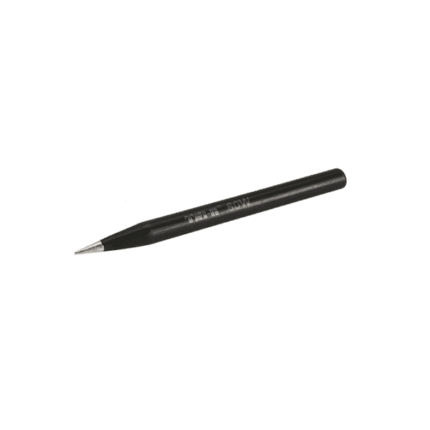
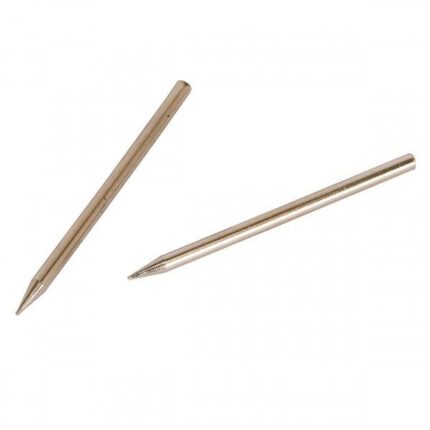
- Compatible with widely available 900M-series tips
- Heat-resistant and non-slip handle
- Compact design with no separate station required
- Suitable for leaded and lead-free soldering applications
Common Applications
The 936H Digital Soldering Iron 60W is suitable for:
- Printed circuit board assembly
- Electronic-component replacement
- Arduino and robotics projects
- Soldering wires and connectors
- Mobile-phone and computer repair
- Household electrical repairs
- Educational laboratories
- DIY electronics and prototyping
How to Use the 936H Soldering Iron
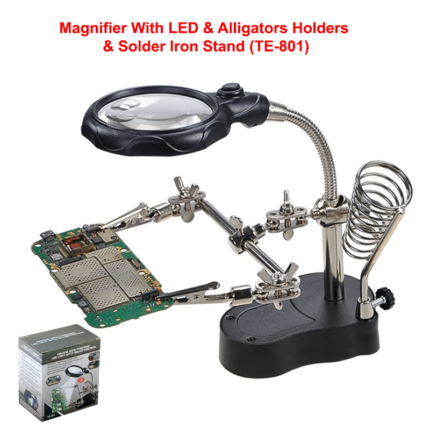
First, place the soldering iron on a suitable heat-resistant stand. Next, connect it to a 220V AC outlet and select the required temperature using the control buttons.
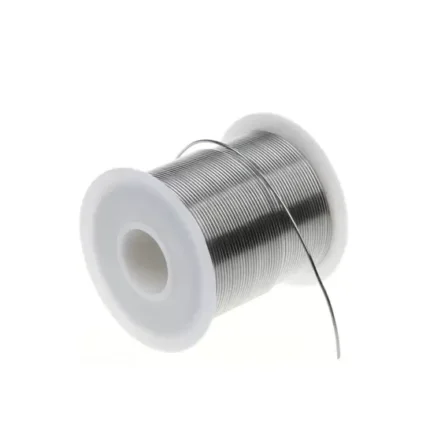
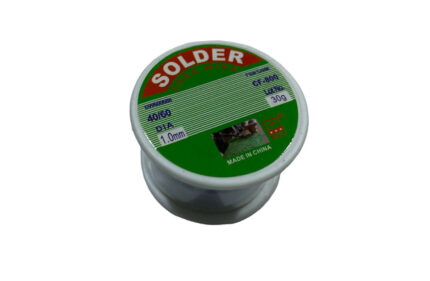
Wait until the displayed temperature reaches the selected value. Then, apply a small amount of solder to the clean tip before starting work. This process improves heat transfer and protects the tip surface from oxidation.
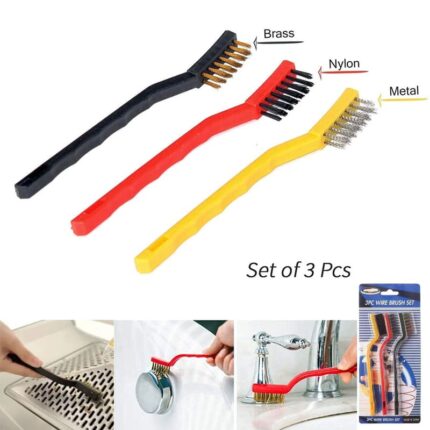
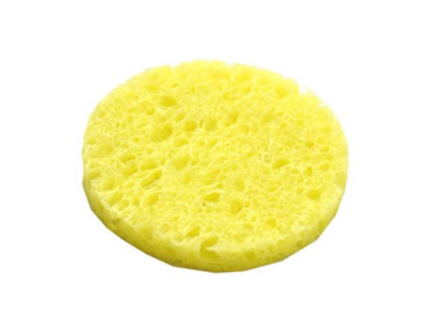
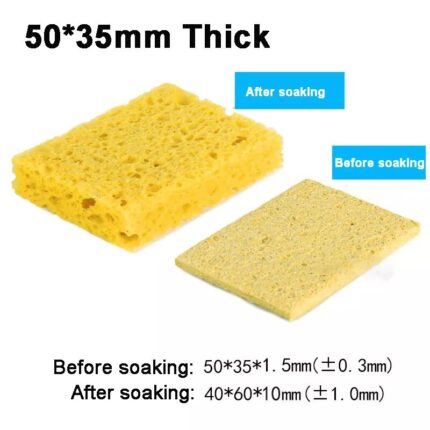
After use, clean the tip with brass cleaning wire or a suitable soldering sponge. Finally, apply a thin layer of fresh solder before switching the iron off.
Safety and Maintenance Instructions
The metal tip becomes extremely hot during operation. Therefore, never touch the tip or leave the powered iron unattended. Always use a stable soldering-iron stand and keep the tool away from flammable materials.
Do not clean the tip using sandpaper or a metal file because this can damage its protective plating. Additionally, disconnect the iron from the power supply and allow it to cool completely before replacing the tip.
Use the soldering iron in a well-ventilated workspace. For best performance, keep the tip clean and properly tinned.